Lightboard Training
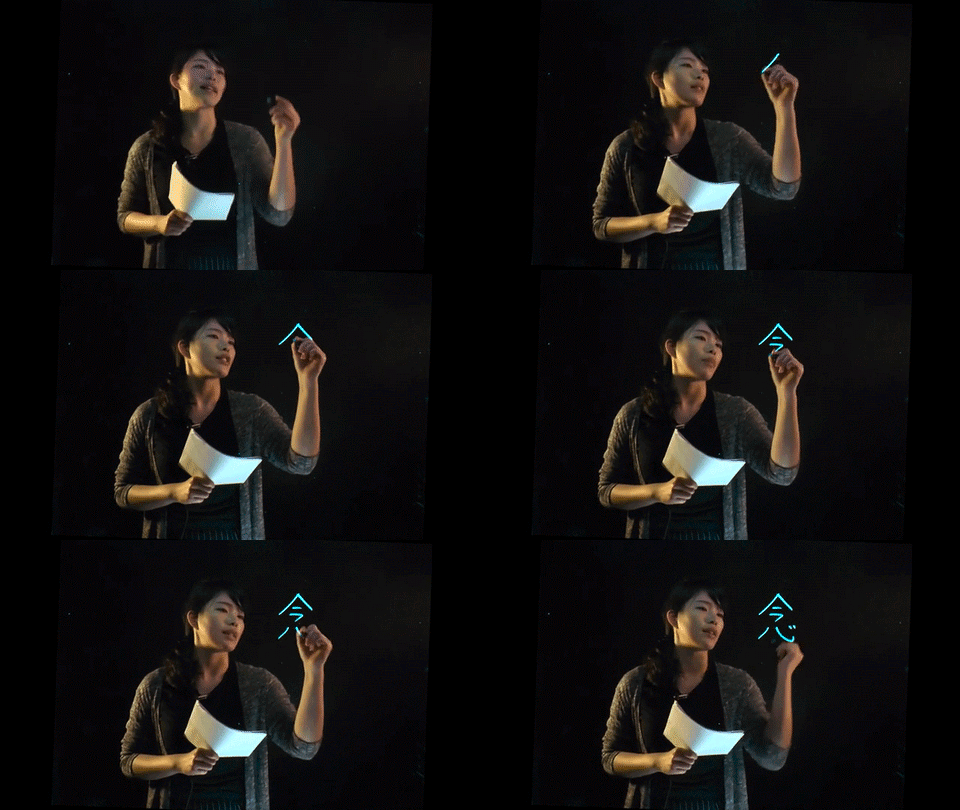

Meet the Lightboard
One powerful tool available for use by Carleton College faculty, staff, and students is the Lightboard. The Lightboard is an illuminated, clear whiteboard that a user can write on while being filmed through the glass. It is useful for creating content for flipping the classroom (where instructional content is viewed outside of the class) or explaining a complex concept. This training will help you learn how to set up the Lightboard and its associated equipment, how to film through the Lightboard, and how to edit the resulting footage.
Complete the Training
This training is composed of three distinct training sections and a set of extra resources. Each section will contain useful knowledge, so read carefully!
First, check out the Lightboard Set-Up page to learn about the Lightboard's various components and settings, as well as how to set up the stage lights and backdrop to ensure the best possible footage.
Next, you'll explore the Filming Specifications page to have a better understanding of which camera settings to enable during a Lightboard session. It will also provide some tips and tricks to save a ton of time in post-production. This is an important section to reference your first few times filming the Lightboard, as some tips are counterintuitive.
Finally, the Editing Footage page will show you how to quickly and easily edit your set of footage. Lightboard footage requires some very specific effects settings, so be sure to check off each setting.
The Resources page contains useful downloads. These include a printable set-up guide, unedited Lightboard footage to practice editing, and more information on how the Lightboard works.